
No Asteroids Controller Support and Best Settings
How controller support works in No Asteroids: trigger mining, stick selling, vibration, sensitivity and the settings worth changing.
No Asteroids lists full controller support on Steam, and the demo patch added the details: the right trigger swings your tool, the right stick works the sell terminal, and the settings menu has stick sensitivity, vertical inversion and vibration. That is enough to play the whole game on a pad. It is also enough to make a mess of your aim if you leave the defaults alone. This page covers the layout and the settings that matter. The controls page→ covers the keyboard side, and the system requirements→ list the supported platforms.
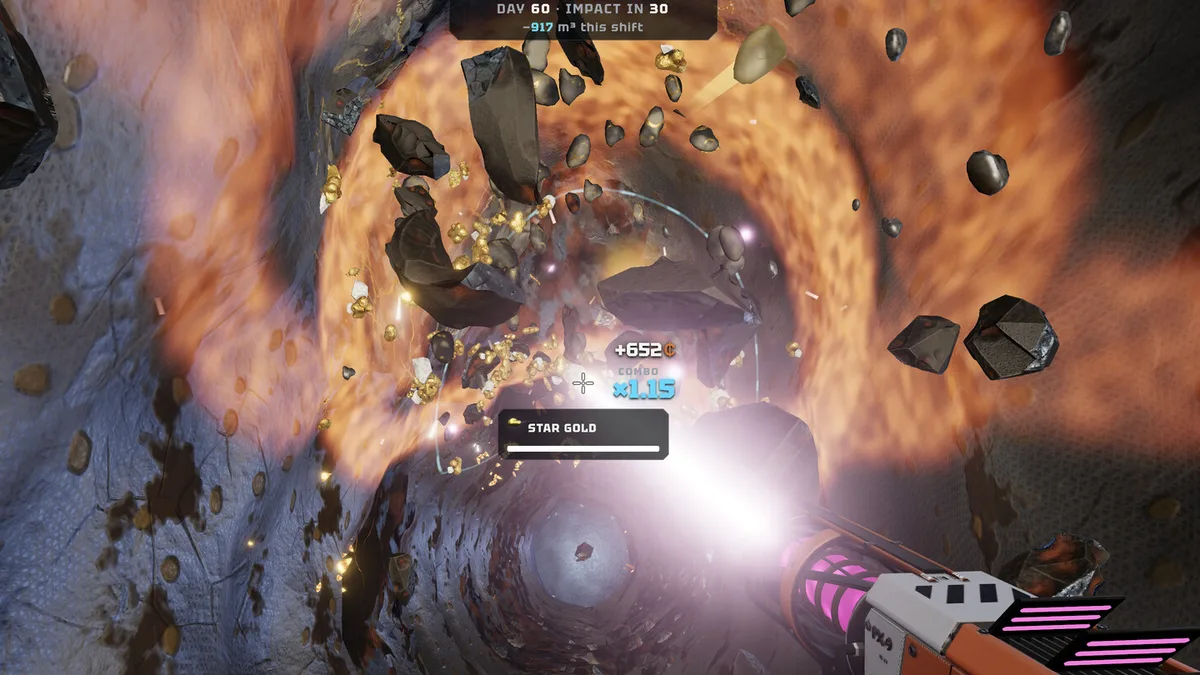
The layout
The demo patch notes describe the core mapping: right trigger mines, right stick handles the terminal cursor, and the movement stick flies the jetpack. The rest follows standard first-person conventions: left stick moves, right stick looks, a face button interacts, a shoulder or face button scans, and the menu buttons open the shop and inventory.
The game shows the correct prompts for the device you are using, and the keyboard rebinding patch made that system consistent: if you remap a key, the on-screen hint follows. Controller prompts are not remappable in the same way, but the defaults are conventional.
The settings worth changing
Stick sensitivity. The default is tuned for walking, not for aiming at a vein. Raise it until you can trace a vein without overshooting, then lower it one step. The mining cursor is small and the veins are narrow.
Vertical inversion. Off by default for most players. If you fly with inverted pitch, turn it on; the game exposes the option separately from the look sensitivity.
Vibration. On is useful for hit feedback: the controller pulses when a vein takes damage, which is a second confirmation that your combo is alive. Off is better for long sessions.
Dead zone. If the camera drifts when you are not touching the stick, raise the dead zone one notch. A drifting camera during a deep climb is a fall.
Controller versus keyboard
The keyboard has more buttons and the scanner is a single key (C), which makes quick scans easier. The controller has better movement feel and a smoother jetpack, which matters on the return trip. Neither is a competitive advantage; the game is not a shooter.
The one place the pad is clearly better is the sell terminal. The right stick moves the cursor and the trigger confirms, which is faster than hunting for Enter after a long shift. The one place the keyboard is clearly better is rebinding: you can put scan and interact wherever you want, and the prompts follow.
Does co-op work with mixed input?
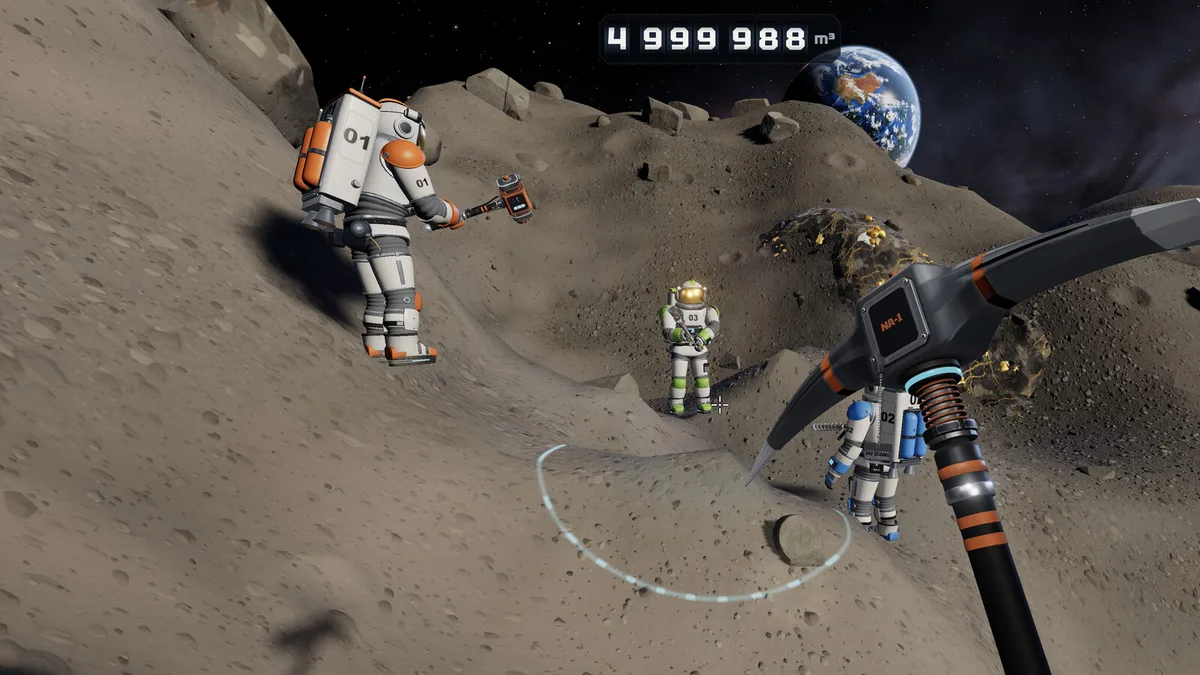
Yes. Co-op is online and input-agnostic: a keyboard player and a controller player can share the same session. The host's prompts are not pushed to guests, so each player sees their own device's hints.
Controller support on Mac
The Mac version supports controllers through the same input layer. DualShock and DualSense support is listed on the store page, and the demo's controller patch applies to both platforms. If a pad does not connect, check the OS-level pairing first; the game does not have its own driver layer.
What is missing
There is no aim assist toggle listed, no remappable controller layout and no gyro support mentioned. The game does not need them for mining, but players who are used to full remapping may miss the option. Keyboard rebinding is the workaround: play with a keyboard for the actions you want to customize, and use the pad for movement.
The default is tuned for walking. Aim at a vein, trace it, and adjust until the cursor follows without overshooting.
Frequently Asked Questions
Does No Asteroids support controllers? Yes, full controller support is listed on Steam, including DualShock and DualSense.
How do you mine with a controller? The right trigger swings the tool, per the demo patch notes.
Can you remap controller buttons? Keyboard keys are rebindable; a full controller remap is not listed.
Does vibration help? It gives hit feedback on veins, which helps you keep a combo. Turn it off for long sessions if it distracts.
Sources
Official source: No Asteroids on Steam ↗ Official source: No Asteroids press page ↗ Tested source: Steam launch-build screenshots captured 2026-11-19 (settings and HUD prompts) Community source: No Asteroids Steam news hub ↗