
How to Play No Asteroids: Controls and Your First Shift
Controls, HUD readouts and the exact order of a No Asteroids shift, from the first scan to selling ore and launching the lander.
No Asteroids is a first-person mining sim: fly a lander to a 5,000,000 m³ asteroid, cut ore out of it, get back before your air runs out, sell the ore, and spend the credits on tools and ship guns. The controls are small; the routine is the game. This page covers the inputs, the HUD and the order of a profitable shift. For the longer plan, use the beginner guide→.
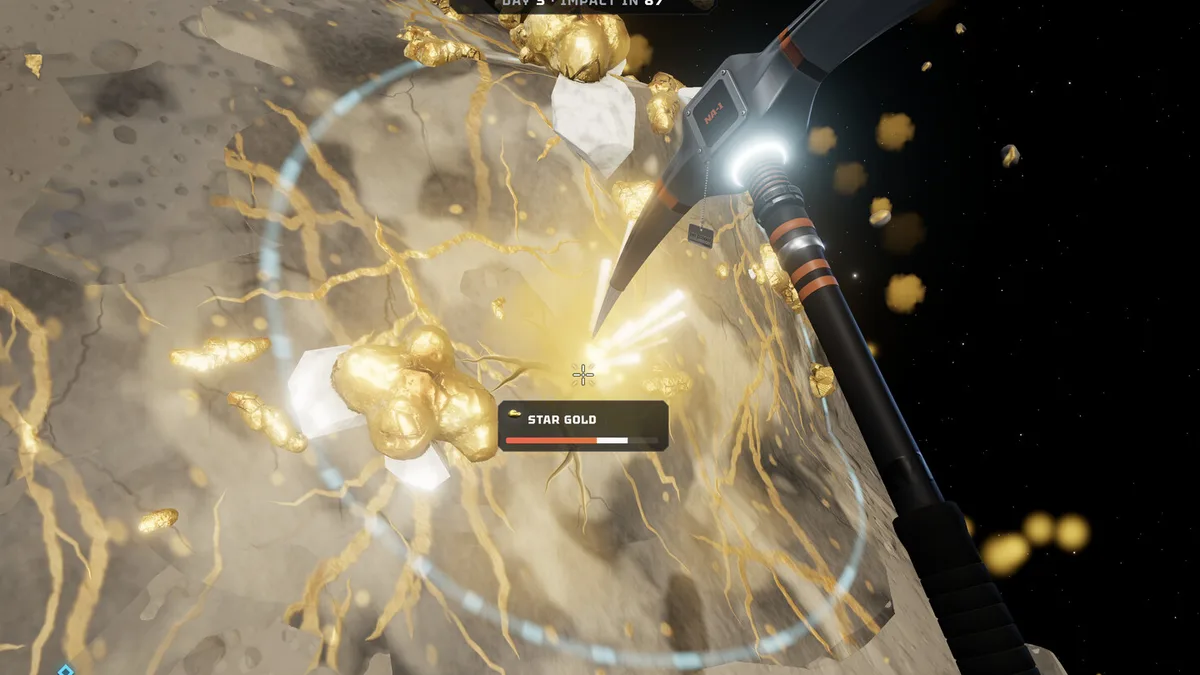
Controls on keyboard and mouse
The build uses standard first-person movement: WASD to walk, mouse to look, Space to jetpack, Shift to sprint where available, and E to interact with terminals, beds and the lander. The scanner is C; holding it highlights ore through rock at roughly 25 m and prints a name plus a depth arrow.
Menu keys are shown on screen as you use them: arrow keys or the mouse to select, Tab to switch groups (tools, charges, drones), Enter to buy or sell, Esc to go back. The ship's gun screen has its own H guide key. Tool slots map to the six tools, and the workshop lists them in order from pickaxe to missile swarm.
Controller players get the same actions on a gamepad; the demo patch notes confirm the right trigger swings the tool and the right stick handles the sell terminal. The dedicated controller page→ covers sensitivity and vibration settings.
Reading the HUD
The top block is the contract: a large remaining-volume number in m³, then DAY n · IMPACT IN m, then the change from this shift. When the third line reads -2,742 m³ this shift, that is your real output, not the number of swings.
The bottom bar is survival. AIR counts down in seconds and turns urgent around 30 seconds; the jetpack meter sits under it. Bottom right is CARGO with a used/maximum pair and one icon per mineral type, so you can see whether you are hauling ice or crystal at a glance. Bottom left is the equipped tool and its key hints. The corner readout LANDER · 25 M is the distance back to the pod, and it is the number that decides whether a run is safe.
In co-op, the top left adds the Order of the Day progress, such as 100 / 100 m³, and each player gets a number tag (01, 02, 03) over their suit.
The order of a shift
- Pick a target before you land. The scanner works from the surface. Look for a cluster of high-value tags rather than the first white blob.
- Land close to the ore, not close to the ship. The lander is your only way home, but a 150 m walk with a full cargo is worse than a 60 m walk from a slightly worse vein.
- Cut one vein at a time. Combo multipliers appear for consecutive hits (
COMBO ×1.15in the plasma cutter screenshot), and switching targets resets the rhythm. - Let the chunks settle. Broken rock floats; you can stand on the big pieces to reach a higher vein. Guns also break ore loose, which means a ship weapon can feed you chunks without spending air on swings.
- Leave at half air. Not at 10 seconds. The trip back includes vertical movement and, if you are deep, a climb.
- Sell the whole hold at the terminal.
ENTERsells everything in the cargo, and the total is shown asCARGO VALUEbefore you confirm. - Buy from the same room. Tools, suit upgrades, skills and ship systems are all on the ship, so there is no reason to launch with unspent credits if an upgrade is affordable.
What the first 20 minutes should look like
Land, scan, dig enough ice or iron to fill the starting hold, return, sell, and buy the first air tank. Do not chase star gold on day one unless it is directly under your feet; the extra value is not worth a death run. The air and oxygen page→ explains exactly how the timer interacts with distance.
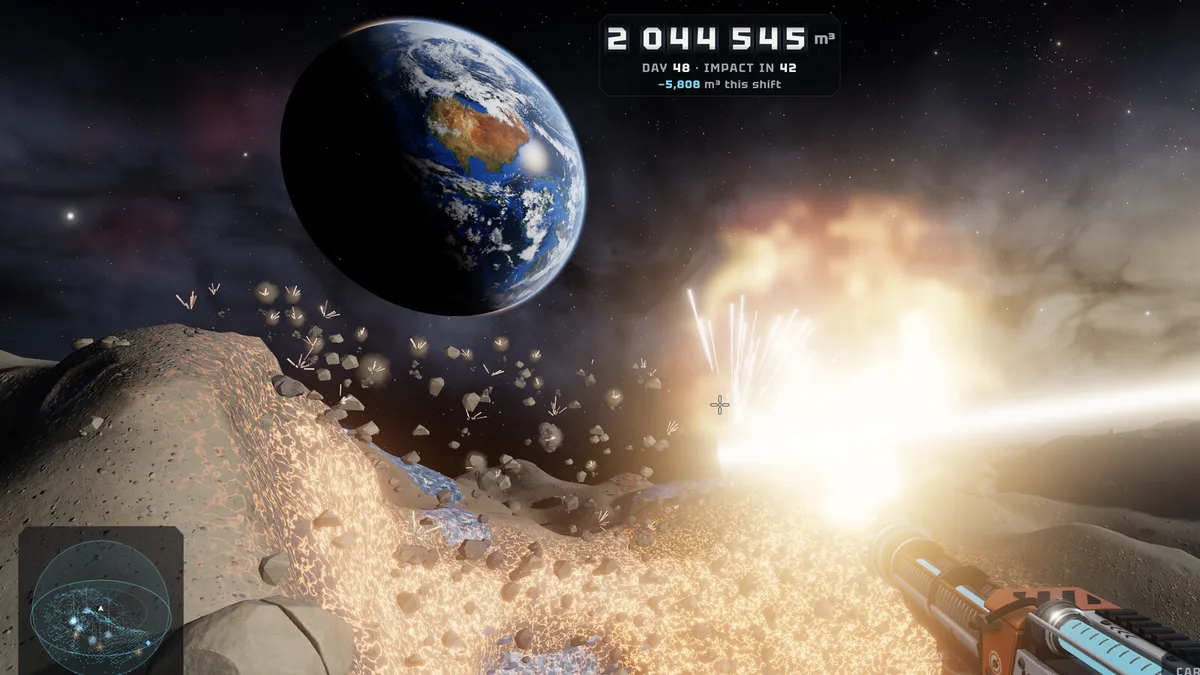
Repeat that loop three or four times and the economy opens up. A full hold of mixed ore is worth roughly 20,000 to 27,000 credits in the day-30 terminal capture, which is enough to start the laser drill at 42,000 within two good runs. The money guide→ breaks down which minerals deserve the space.
What not to do in the first hour
Do not buy the 1,250-credit turret and assume the ship is now helping. It is the cheapest gun because it is the weakest, and ship guns only pay off once you are regularly breaking large volumes. Do not spend credits on cosmetics before air and cargo. And do not start a launch countdown while a teammate is still outside: the pod leaves in ten seconds, and anyone left behind passes out and loses their cargo.
If you are playing co-op, the host owns the campaign save and the shared wallet. That is not a setting you can toggle; it is how the mode is built, and the co-op guide→ explains the consequences before you invite eight people.
The scanner highlights ore through rock at 25 metres. Ten seconds of scanning saves a minute of blind digging.
Frequently Asked Questions
What is the scanner key in No Asteroids?
C on keyboard. It highlights ore through rock at about 25 m and shows a depth arrow for each vein.
How do I sell ore?
Stand at the sell terminal on the ship and press Enter. The screen lists each mineral, its price and the total cargo value before the sale completes.
Can I play No Asteroids with a controller? Yes. Full controller support is listed on Steam, and the demo added gamepad support with trigger mining and right-stick selling.
Does the game pause when I open a menu? The ship menus are safe, but the surface does not pause in co-op. In single-player, treat any menu time as air spent unless you are inside the lander.
Sources
Official source: No Asteroids on Steam ↗ Official source: No Asteroids press page ↗ Tested source: Steam launch-build screenshots captured 2026-11-19 (HUD, terminal and workshop states) Community source: No Asteroids Steam news hub ↗