
No Asteroids System Requirements: PC and Mac
The official No Asteroids PC and Mac requirements, the 1 GB install size, Apple Silicon limits and the settings that matter on low-end hardware.
No Asteroids is a small game with modest requirements: 1 GB of storage, 8 GB of RAM and a two-gigabyte DX11 GPU on the low end. The Mac side is stricter, because the game is Apple Silicon only. These are the official Steam requirements, followed by what they mean in practice. The release date page→ covers platforms and price, and the controller page→ covers input.
PC minimum
| Component | Requirement |
|---|---|
| OS | Windows 10 64-bit |
| CPU | Intel Core i5-7400 or AMD Ryzen 3 1200 |
| RAM | 8 GB |
| GPU | DirectX 11, 2 GB VRAM (GTX 1050, RX 560 or Iris Xe) |
| Storage | 1 GB |
| Input | Keyboard and mouse or controller |
PC recommended
| Component | Requirement |
|---|---|
| OS | Windows 10 or 11 64-bit |
| CPU | Intel Core i5-10400 or AMD Ryzen 5 3600 |
| RAM | 16 GB |
| GPU | GTX 1660 or RX 5600 XT, 4 GB VRAM |
| Storage | 1 GB |
Mac minimum and recommended
| Component | Minimum | Recommended |
|---|---|---|
| OS | macOS 12 Monterey | macOS 14 or newer |
| CPU | Apple M1 | Apple M1 Pro or M2 |
| RAM | 8 GB | 16 GB |
| GPU | Apple Silicon integrated | Apple Silicon integrated |
| Storage | 1 GB | 1 GB |
The Mac version requires Apple Silicon. Intel Macs are not supported, which is unusual for an indie game but consistent with the store page's "Apple Silicon only" note.
What the requirements mean
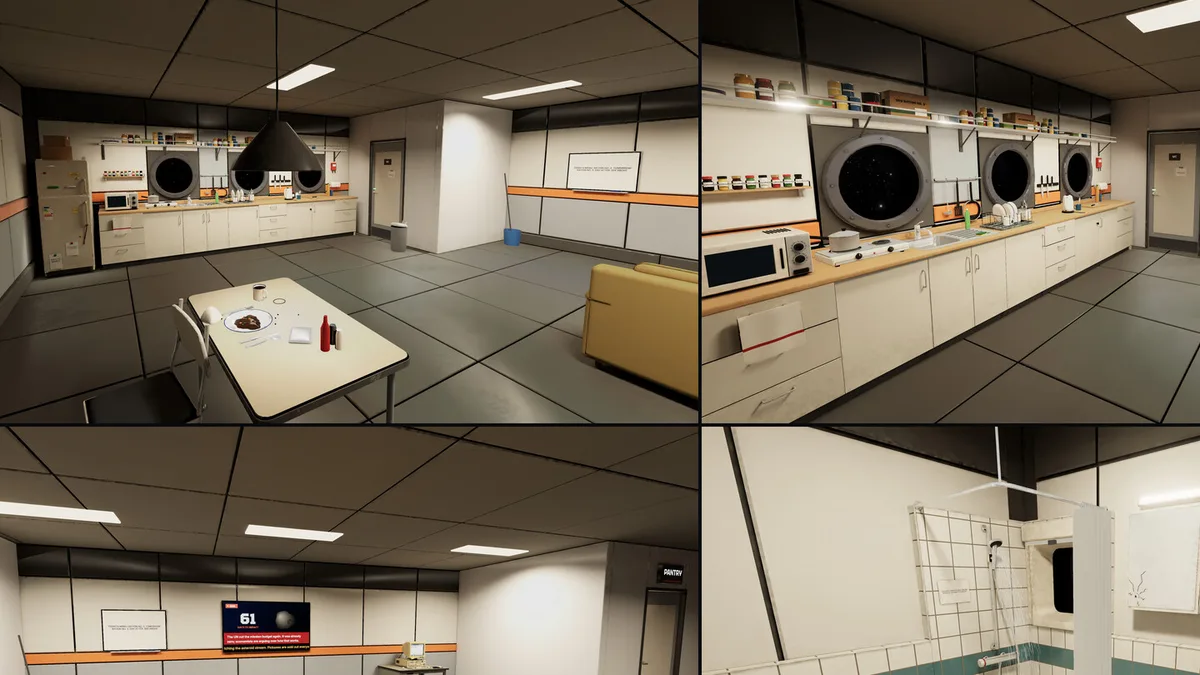
The 1 GB storage figure is the surprise. This is not a game with 4K textures or a huge open world; the asteroid is a single environment and the ship is a handful of rooms. The VRAM requirement is about the lighting and the ore effects, not asset volume.
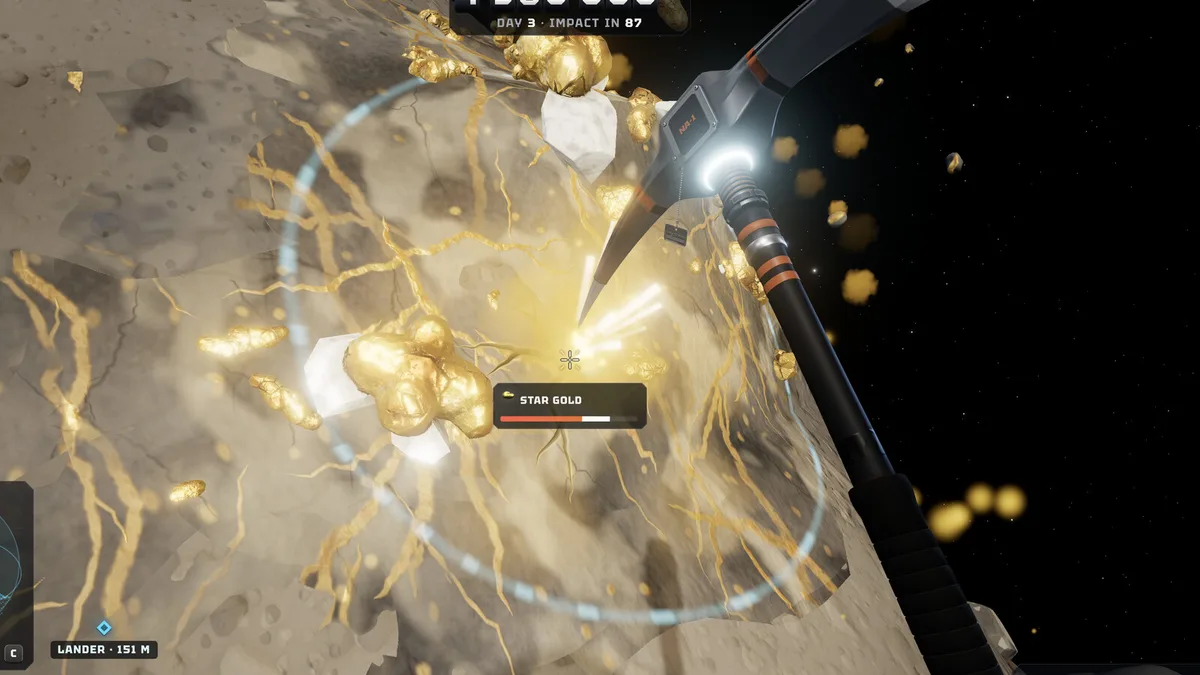
The CPU requirement is the more relevant one. The asteroid is destructible, the ore chunks are physics objects and the ship guns fire continuously, so the simulation is CPU-bound in a way the GPU requirement does not suggest. A machine that meets the minimum GPU but sits at the bottom of the CPU range will feel the chunk physics before it feels the graphics.
Low-end settings that help
Lower the shadow quality first; the surface lighting is the biggest visual cost and the least important for mining. Reduce the chunk detail if the frame rate drops during a big break. Keep the tool and ore audio high, because sound is how you notice a vein cracking behind you.
If the game stutters when the ship guns fire, that is the physics load, not the GPU. Lowering the gun count or the chunk detail is the fix; resolution scaling will not help much.
Steam Deck and Linux
Steam lists Windows and macOS only. Linux and Steam Deck are not listed as supported, and there is no Proton rating on the store page yet. The 1 GB install and modest GPU load suggest it could run, but we have not tested it and the store does not claim support. Treat it as unsupported until the developers say otherwise.
Multiplayer and the network
Co-op is online and cross-platform between Windows and macOS. There are no dedicated servers listed; the session is hosted by a player, which is consistent with the host-save model. A stable connection matters more than bandwidth, because the ore chunks and the asteroid state are synchronized while everyone mines.
The asteroid is one environment and the ship is a handful of rooms. The load is physics and lighting, not asset volume.
Frequently Asked Questions
Can I run No Asteroids on 8 GB of RAM? Yes, that is the minimum on both PC and Mac.
Does No Asteroids work on Intel Macs? No. The Mac version requires Apple Silicon.
How big is the download? 1 GB of storage, per the official requirements.
Is No Asteroids on Steam Deck? It is not listed as supported. Windows and macOS are the only platforms on the store page.
Sources
Official source: No Asteroids on Steam ↗ Official source: No Asteroids press page ↗ Official source: No Asteroids store requirements ↗ Community source: No Asteroids Steam news hub ↗